

Make every handover follow the same evidence standard.
Reusable templates define required fields, photo ranges, video, choices, notes, and acknowledgements before capture begins.
For equipment & vehicle rental teams
Guide every asset through the same three-part record: capture, compare, and verify.
You decide what changed. AuditIt keeps the submitted evidence and context connected.
Free includes 10 audit creations/month and 1 team seat.
Example handover sequence
Required fields and angles establish the evidence standard before the asset leaves.
Checkout to return
AuditIt gives both handover stages one evidence standard and one connected record, so the team can review change with the context still attached.
Attach the customer and asset, then capture the required hour meter, overall-condition, and damage evidence.
The assignment, activity, evidence, and acknowledgement stay connected to the same audit record.
Use the same required fields and angles so the return is reviewable against checkout.
Review both stages, capture findings, then share the finalized report and its QR check.
One connected record
The workflow guides field capture while the customer, asset, observations, findings, activity, and final report remain connected.
Reusable templates define required fields, photo ranges, video, choices, notes, and acknowledgements before capture begins.
Assignments connect the real-world subject and customer to field evidence, findings, activity, and the finished record.
Before-and-after workflows repeat the right evidence at two deliberate stages and preserve the context around any finding.
Finalized reports carry a QR path to the public verification record while the decision stays with qualified people.
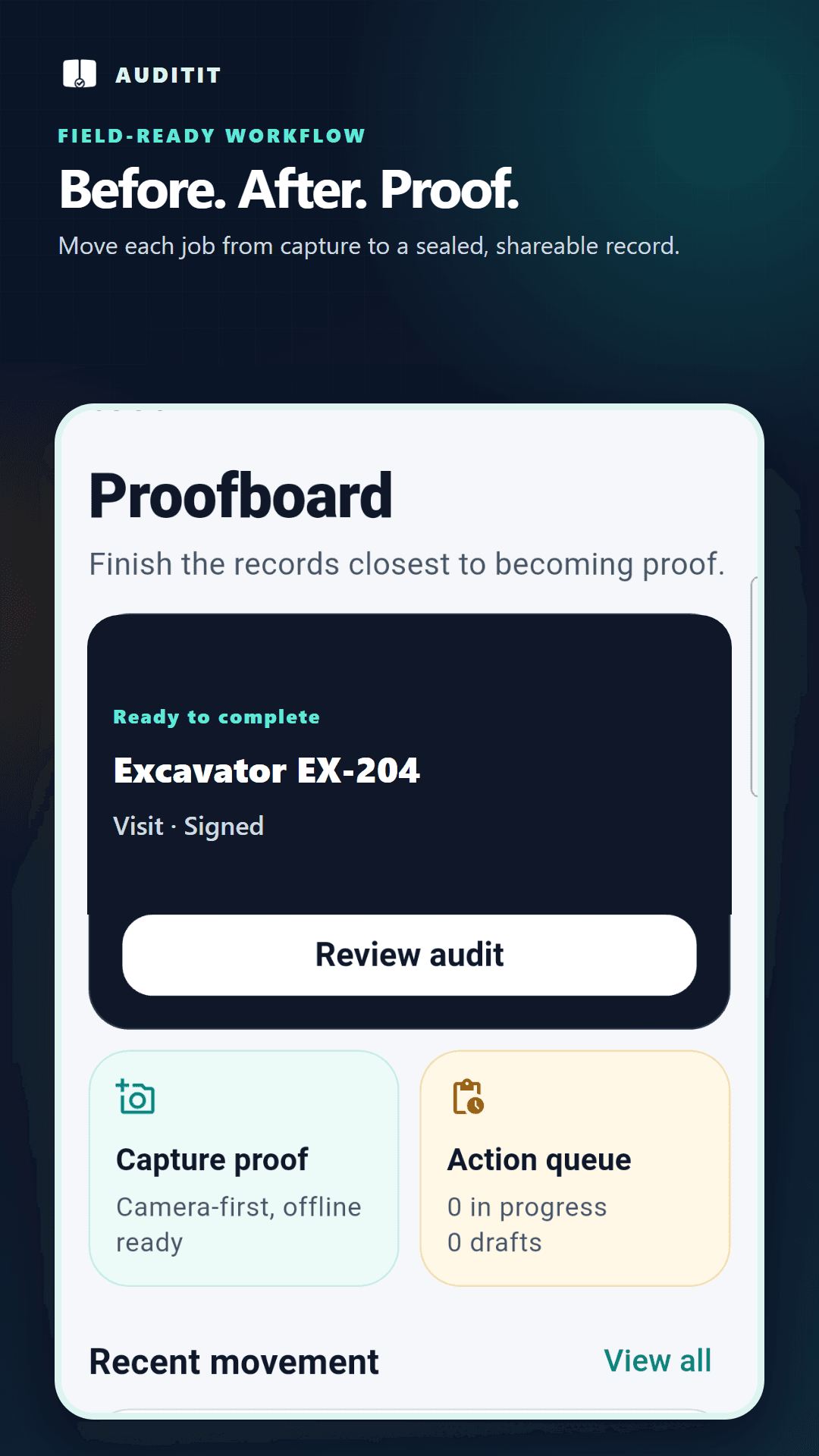
Proofboard
The next action, active record, findings, and reports stay in one field-ready view.
Checkable by the recipient
Finalized reports preserve the submitted stages and their recorded context. A report holder can scan the QR code and inspect the public verification result without creating an AuditIt account.
Review the persisted evidence hash metadata attached to the finalized report.
Review the activity, stage history, and signature or refusal records attached to the audit.
Let the report holder check the verification record without an account.
Use the record to support review; AuditIt does not decide liability or compliance.
AuditIt creates tamper-evident, human-review-ready records. It is not legal certification and does not determine liability.
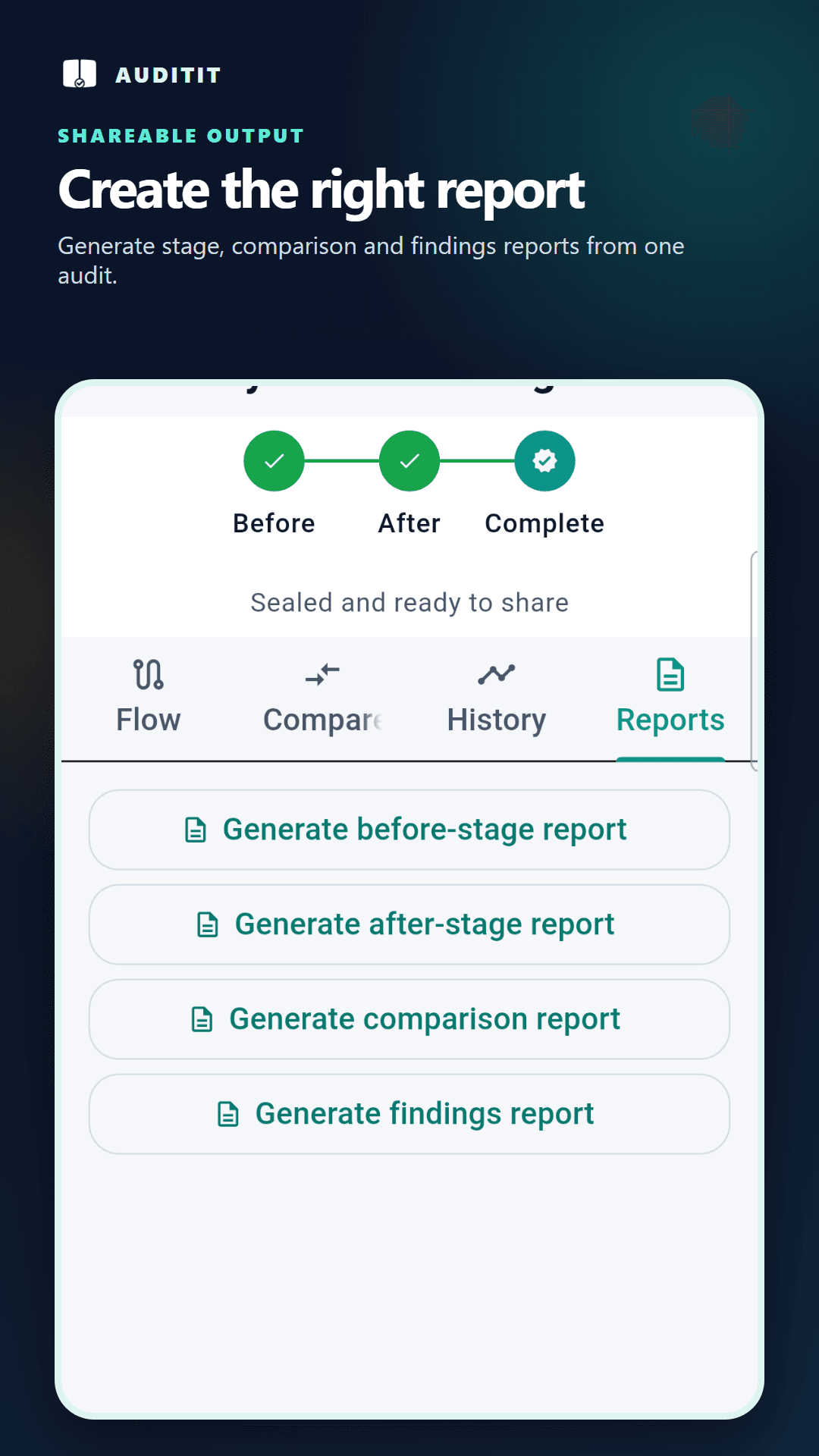
Beyond rental
Use before-and-after when change matters. Use record-only when one complete visit is the whole job.
Before and after
Use it for equipment checkout and return, vehicle handover, tenancy condition, job completion, restoration, freight, or any work where change matters.
Record only
Use it for a site visit, meter reading, safety walk, stock verification, claim survey, valuation visit, field inspection, or delivery recorded once.
Available starter workflows
Start with a rental handover workflow or explore the published guide for the way your team works.
Equipment & tool rental
Lead workflowA rental comes back with a fresh scrape and the team needs to understand what changed.
Vehicle rental & fleet
Lead workflowThe vehicle has returned, and the team needs to compare its submitted handover and return records.
Product tutorials
Watch the product flow, then use the written guide and transcript to follow every decision at your own pace.
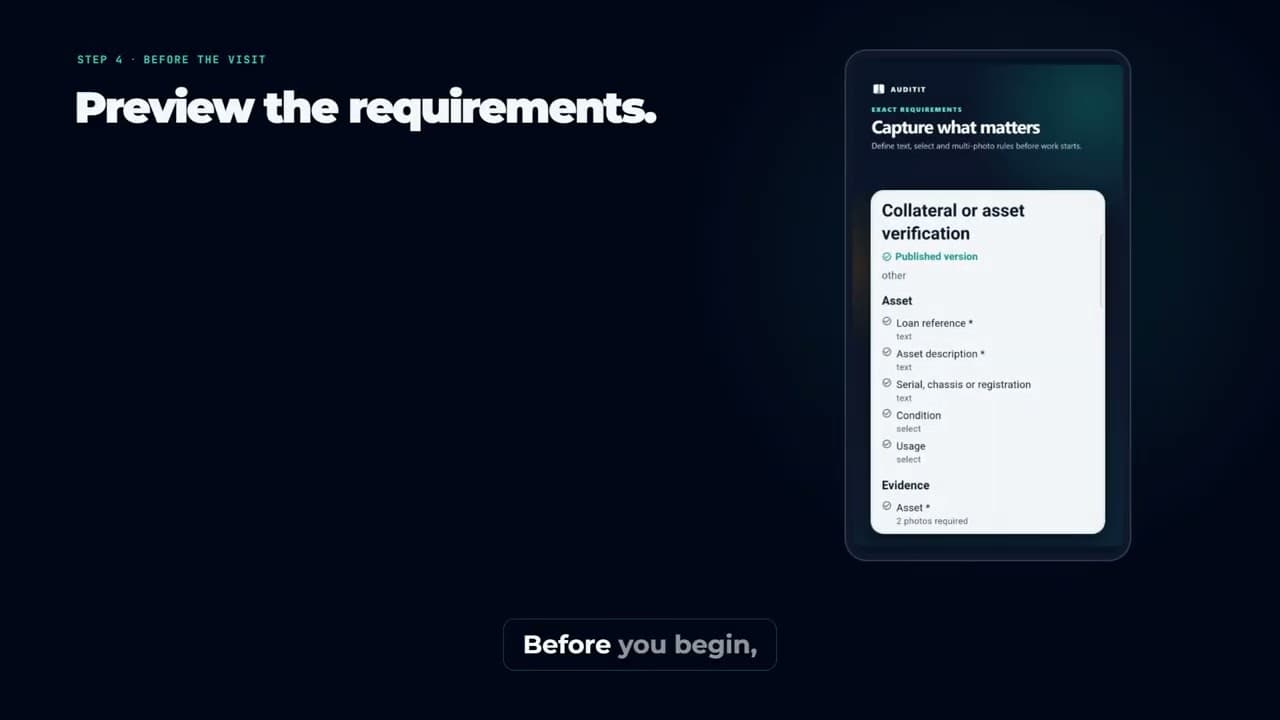 Video and written guide
Follow a clear first-audit flow from choosing a workflow and assigning context through preview, evidence capture, completion, and report review.
Start tutorial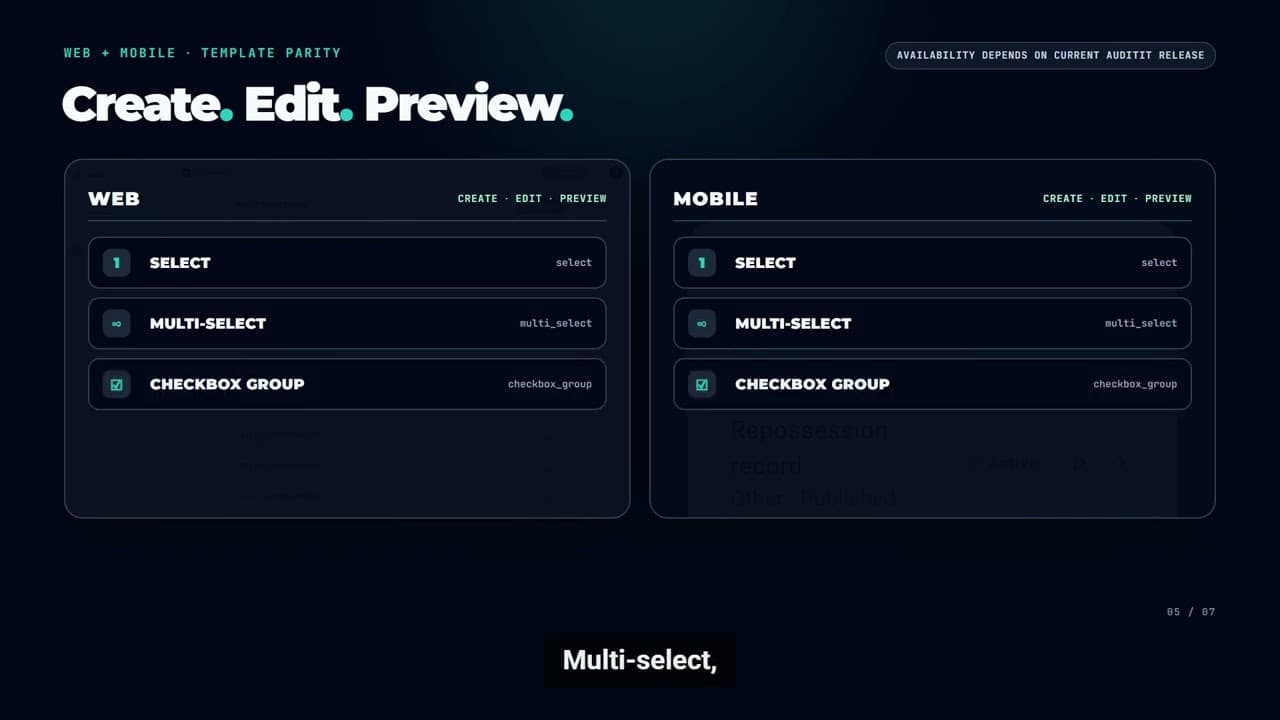 Video and written guide
Choose one visit or two comparable stages, then add only the sections, field types, required labels, and photo ranges a reviewer needs.
Start tutorialCommon questions
Clear workflow choices and honest boundaries make a field audit system easier to adopt and easier to govern.
Capture the subject before the job and again after it, using the same template so both stages record the same required angles and fields. AuditIt shows the two side by side, records any findings, and produces a report with the timestamps and evidence hashes attached. This works for a hire going out, a contractor completing a job, a property handover, or site progress between visits.
Every finalized report carries a QR code linking to a public verification page, which works without an account. A valid result means: This report's signed manifest, report hash, PDF hash record, signature/refusal records, and persisted evidence hash metadata match the AuditIt verification record. Original media byte rehash was not run for this public view. Public verification checks persisted media hash metadata unless a deep verification result is shown.
Tamper-evident means a mismatch can be detected by the checks that were actually run. Tamper-proof would mean alteration is impossible, which no software can honestly promise. AuditIt's public page compares the signed manifest, report hash, PDF hash record, signature/refusal records, and persisted evidence hash metadata with its verification record. Original media bytes are only re-read when a deep verification result says they were.
No. AuditIt organizes submitted evidence into records that people can review, and it is not legal certification. It does not determine liability or decide compliance. Qualified people and your own governed process remain responsible for those decisions.
Yes. Use a record-only workflow for one visit, such as a meter reading, a claim survey, or a delivery. Use before-and-after when the same subject must be captured at two deliberate stages, such as a hire-out and its return.
No. Reports are shared by link and verified by QR, both of which work without signing up. Verification is included on every plan, including the free one.
Plans
Free is available now with 10 audit creations per month and 1 team seat. Starter and Pro are planned paid options; their pricing and availability will be announced before they launch.
Start with the equipment checkout and return template, tailor the evidence fields to your operation, and create up to 10 audits a month on Free.
Already have an account? Sign in