


field operations
Equipment report PDF printing: check the page edges
Check equipment report PDF print scaling before review. Compare page edges with the source copy, note missing content and keep paper-review gaps visible.
3 min read
AuditIt field notes
Practical guidance for designing clearer audits, collecting useful evidence, and running defensible handovers.
Check equipment report PDF print scaling before review. Compare page edges with the source copy, note missing content and keep paper-review gaps visible.
3 min read

Cite an equipment report PDF page clearly. Record the copy reference, position in the file and visible printed number, then match the page content.
3 min read

Prepare equipment photos and reports for an offline review. Check OneDrive or iCloud Drive downloads on your review device and record unresolved access gaps.
3 min read

Review equipment photos received in a ZIP: extract the folder, open the files and record missing or unreadable views before handing the review on.
3 min read

Keep equipment asset IDs readable when reviewing CSV files in Excel or Calc. Import the ID column as text, compare the saved copy and leave mismatches open.
3 min read

Prepare an equipment report PDF for its recipient. Distinguish annotations, applied redactions and hidden-data review, then check the saved copy.
4 min read

Review an equipment maintenance handoff without hiding pending decisions. Keep missing owners, unclear next steps and unsettled timing visible.
4 min read

Copied an equipment serial number from a photo? Check the selected field, compare the characters and keep unclear text unresolved in the review note.
4 min read

HEIC equipment photo will not open? Follow a Mac JPEG export example, keep the source separate and label the viewing copy for condition review.
4 min read

Match an equipment report PDF filename to its report reference, copy label and actual comparison. See what renaming a file can establish.
3 min read

Review an equipment report screenshot with its reference, check wording and time context. Name missing details and ask for the record needed to continue.
3 min read

Compare equipment photo timestamps across time zones with a worked UTC example. Preserve original values and labels, and flag missing offsets for review.
4 min read

Read AuditIt’s expired, unavailable and invalid share-link messages, then request the equipment condition report and review scope you need.
4 min read

Identify an AuditIt redacted share PDF, match its SHA-256 label, and read the canonical report check separately during an equipment handover.
4 min read

Choose an equipment asset lookup or a report verification link. Check the reference, read the action or result, and keep condition decisions separate.
5 min read

Record an equipment return when checkout photos are missing: describe the observation, name the evidence gap, and leave earlier condition and cause open.
5 min read

Keep submitted observations, a customer signature or recorded refusal, signed-manifest verification, and the later human decision in four separate envelopes.
4 min read

Learn when to edit a draft, void a submitted condition record, or replace it while keeping the earlier observation and correction reason available.
4 min read

Build a scoped vehicle inspection report with identifiers, check rows, evidence, exceptions, and human review—without confusing the record with certification.
8 min read

Build a clear vehicle condition report with adaptable fields, repeatable photo views, visible exceptions, and a boundary between observations and decisions.
7 min read

Learn which Exif field classes on a gallery photo can become labeled source metadata, which current processing discards, and why those tags are not a live capture clock.
5 min read

Learn how to read a location on a condition photo: source, precision class, phone-reported radius, and when exact coordinates should stay off a share.
5 min read

Learn how live capture facts, gallery import facts, and file source metadata record different events on an AuditIt condition record.
5 min read

A plain-language guide to AuditIt’s signed-manifest result, how it differs from a hash digest or customer signature, and what still needs human review.
4 min read

What a SHA-256 digest in a condition record can show, how AuditIt separates metadata checks from stored-byte rehashes, and what still needs human review.
4 min read

Understand what AuditIt public verification checks, what each result label means, and when a separate stored-byte rehash may be claimed.
3 min read

Learn what tamper-evident means, what AuditIt’s default public check covers, and why a matching record does not prove the facts of a condition dispute.
4 min read

Keep rental guidance, submitted observations and later decisions separate in a condition record, with a practical table and clear limits for human review.
4 min read

Record odometer readings, fuel levels and named accessories consistently at hire-out and return. Use matching fields and keep missing or uncertain observations visible.
5 min read

Compare walkaround, hire-out and return, and incident records. Keep their purposes, observation times and references clear without turning a record into a verdict.
5 min read

Use a rental vehicle damage record template for identity, photos and observations. Keep reported accounts and later decisions separate, with an example to copy.
5 min read

Organize equipment rental inspection records with clear asset references, dates, observations, evidence links, and unresolved questions for human review.
4 min read

Document an equipment recall-source lookup with asset identifiers, the exact source, lookup date, and unresolved questions, separate from condition records.
3 min read

Record equipment hour-meter readings at checkout and return, preserve unreadable values as unknown, and separate observed numbers from later interpretation.
3 min read

Use an equipment condition photo checklist to repeat named views at checkout and return, pair context shots with close-ups, and record exceptions clearly.
7 min read

Use a repeatable equipment handover checklist to record keys, attachments and accessories at checkout and return, with item identifiers, photos and clear return statuses.
6 min read

A practical pre-hire equipment checklist template for recording asset identity, configuration, evidence, service details and a separate human decision.
6 min read

A practical equipment damage report template for recording asset ID, damage location, photos, observations and decisions—without turning the record into a verdict.
5 min read

Build a room-by-room rental property condition report for move-in and move-out, covering keys, meters, photos, neutral notes, gaps, and human review.
6 min read
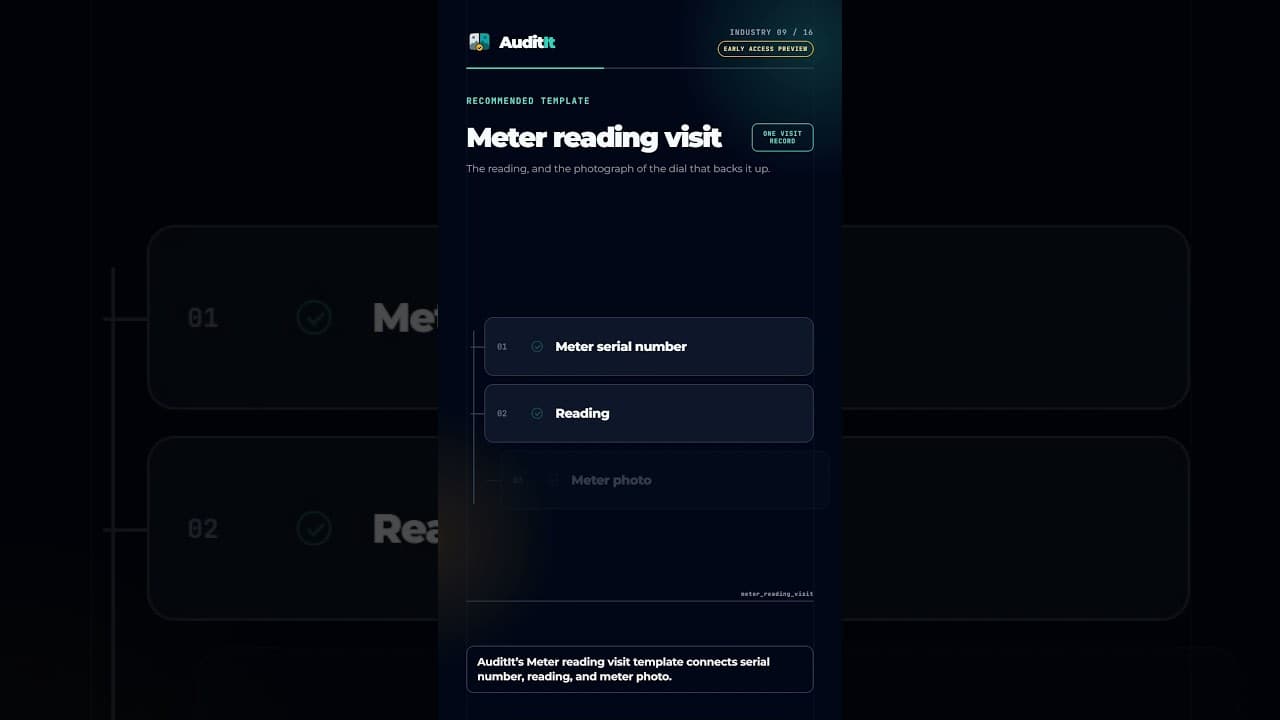
Link the account, meter serial number, entered reading, meter photo, visit outcome, and access notes in one field record.
2 min read
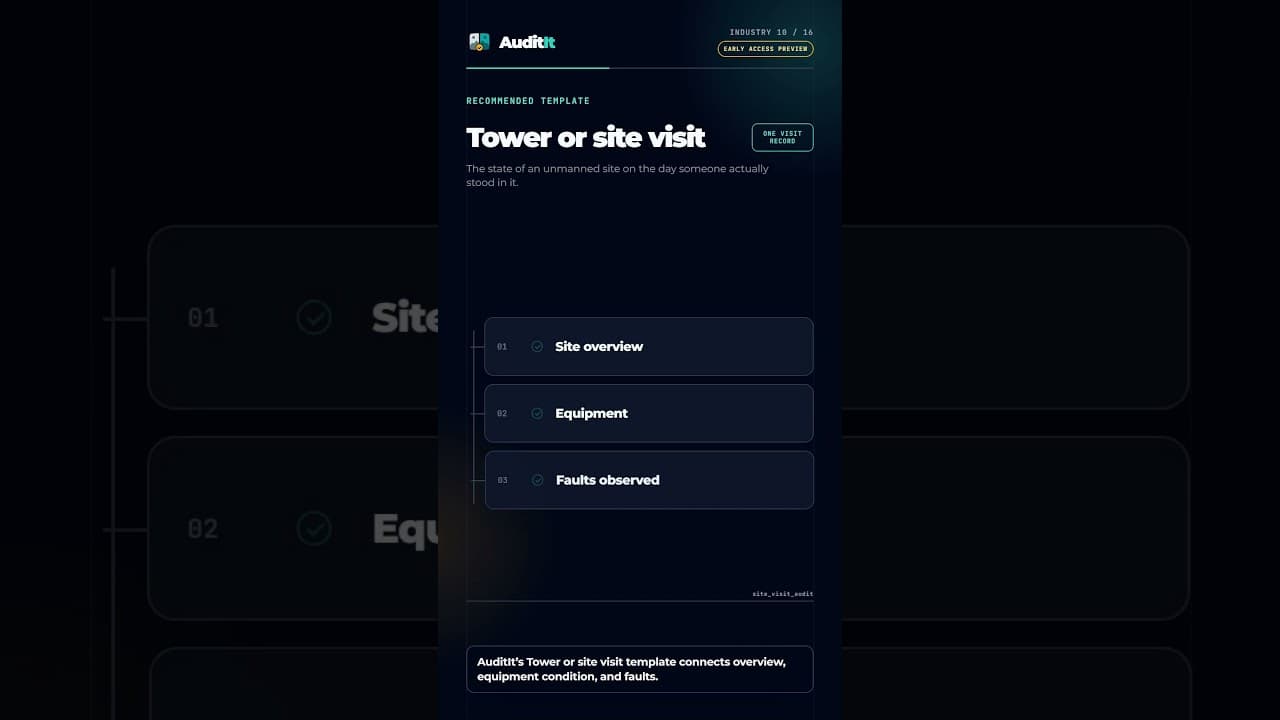
Bring site context back to operations with site overview, equipment, power, security, housekeeping, fault, and escalation records.
2 min read
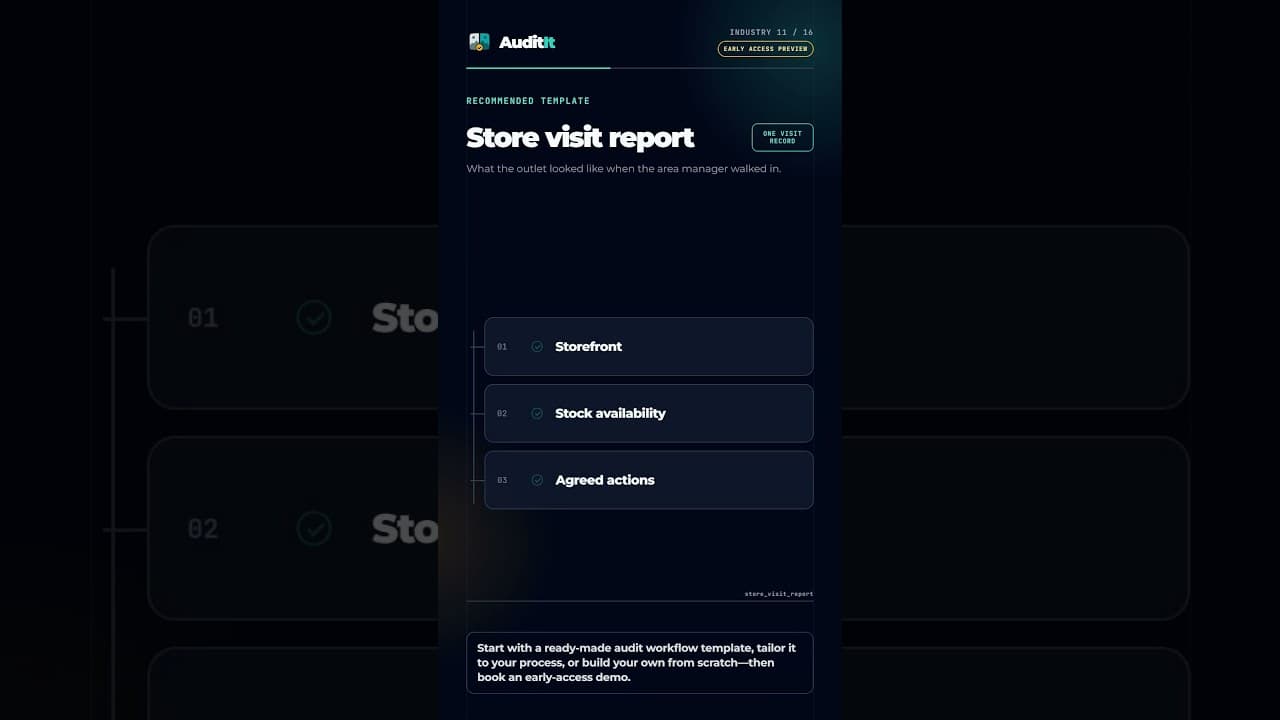
Create consistent outlet visit records with storefront and interior evidence, stock observations, issues, and agreed follow-up actions.
2 min read

Use a practical safety walk report structure and fictional example to separate observations, evidence, immediate action, remaining work, risk, and review.
7 min read

Make equipment checkout and return records comparable with the same asset ID, required views, and fields—while keeping evidence separate from verdicts.
8 min read

Build a comparable vehicle rental checkout and return record with matching identity, odometer, fuel, photo views, accessories, notes, and visible gaps.
7 min read
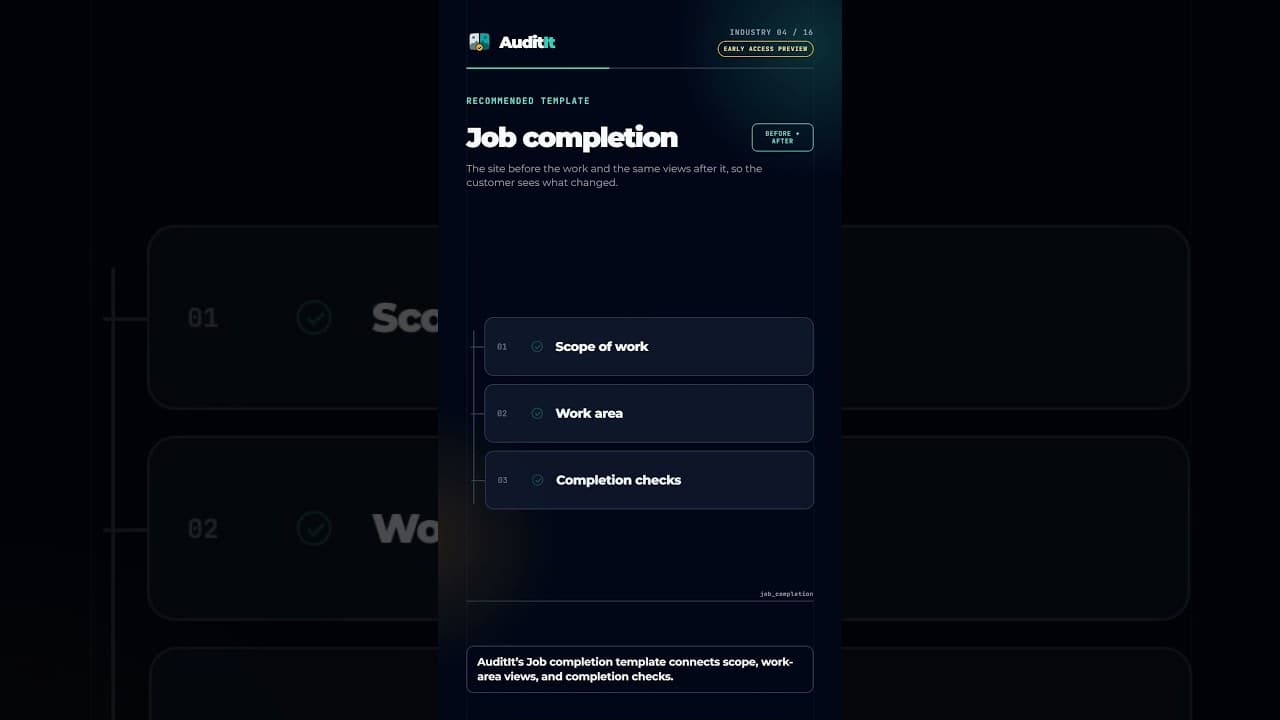
Connect the work order, scope, before and after site views, materials, completion checks, and outstanding items in one record.
2 min read
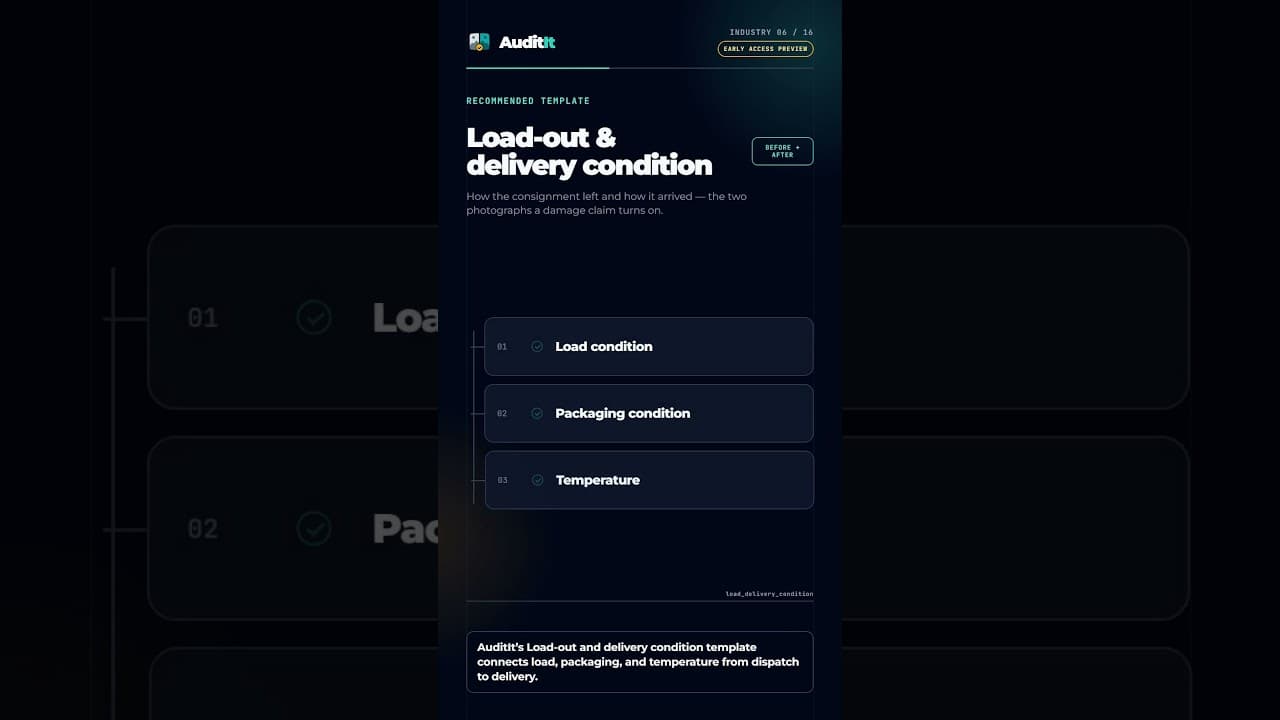
Connect consignment identity, load condition, seals, packaging, temperature, and notes from dispatch through delivery.
2 min read
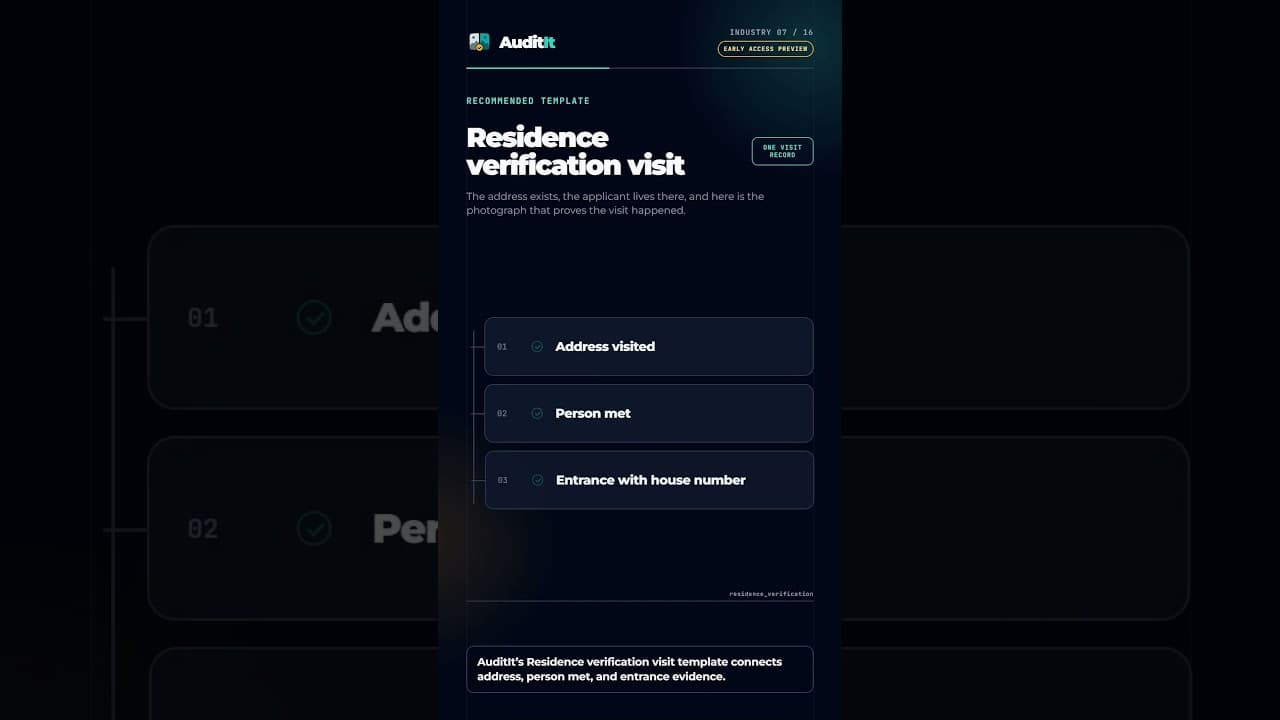
Structure residence field visits around the application, address visited, person met, location evidence, observations, and review result.
2 min read
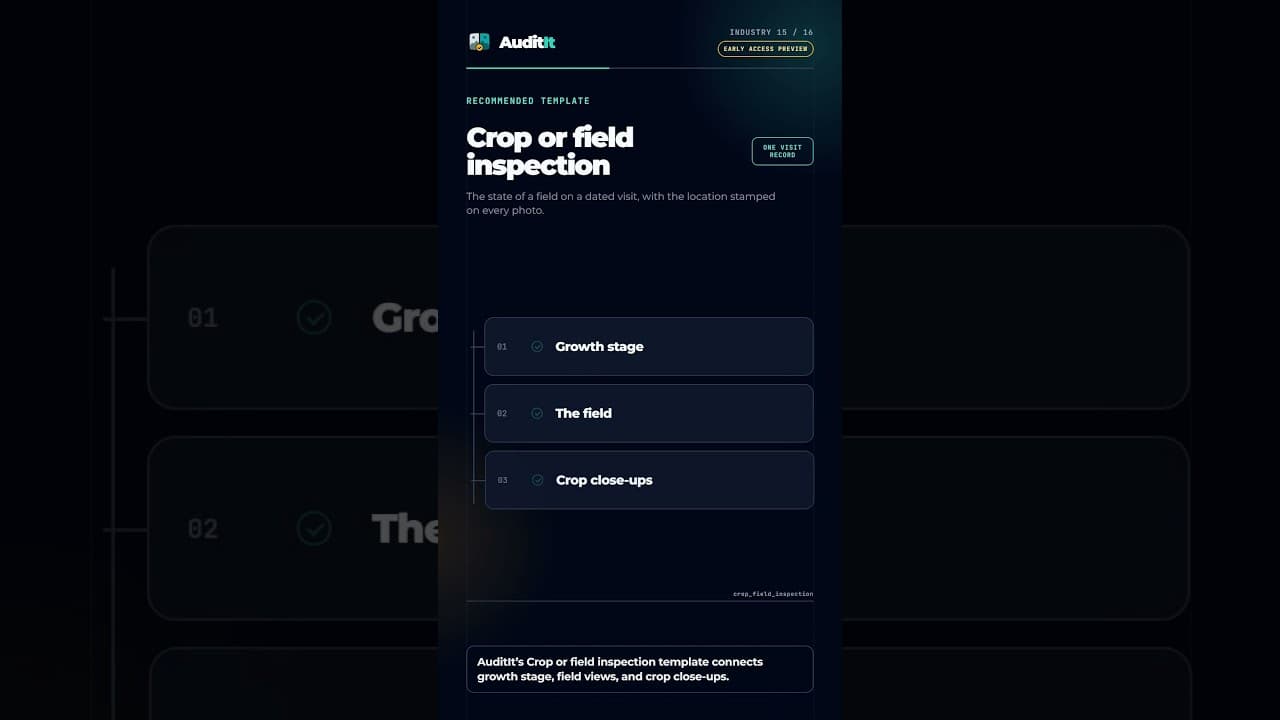
Record crop identity, area, growth stage, field views, close-ups, pest or disease observations, irrigation, and notes during one visit.
2 min read
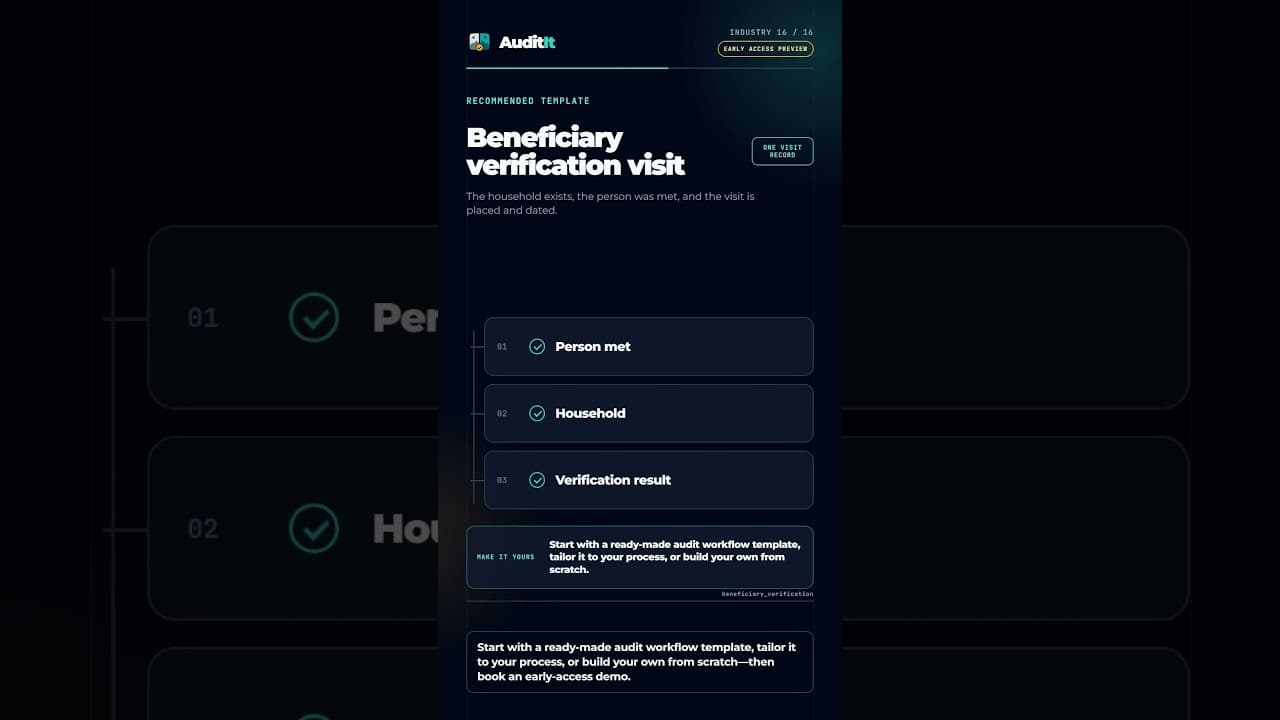
Structure authorized beneficiary visits with programme context, person-met details, household evidence, observations, and a review result.
2 min read
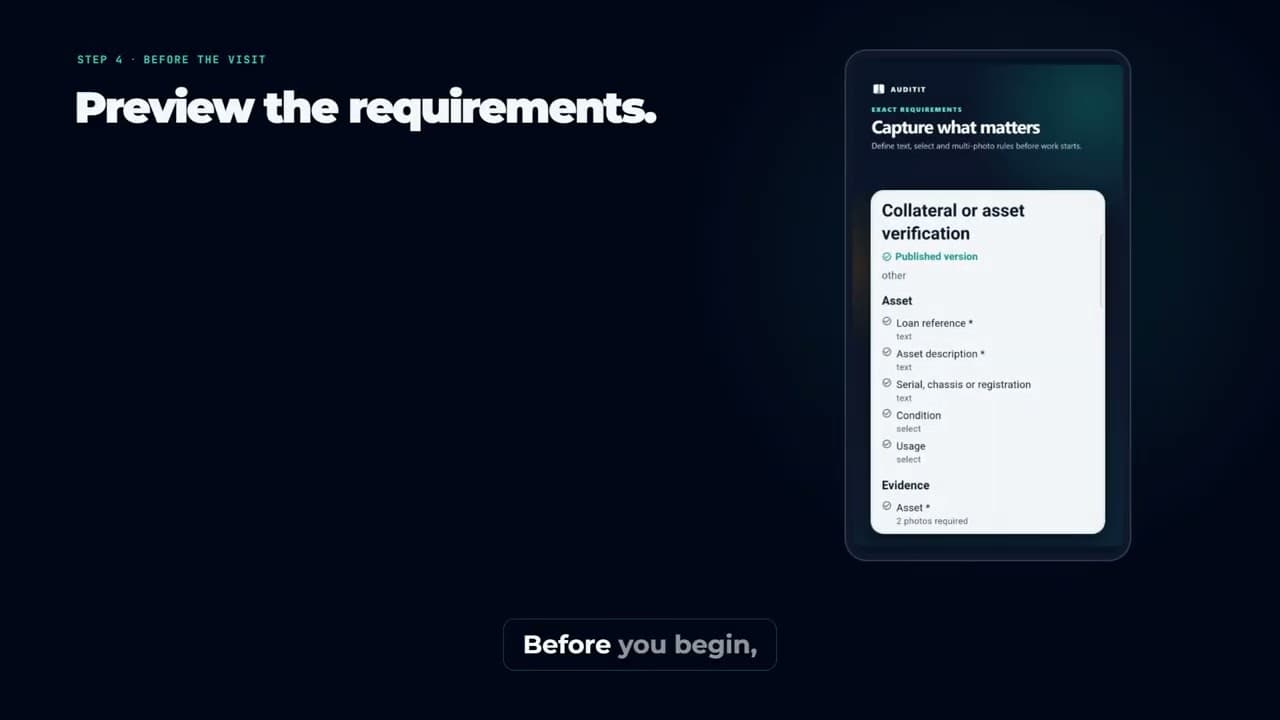
Follow a clear first-audit flow from choosing a workflow and assigning context through preview, evidence capture, completion, and report review.
2 min read

Choose one visit or two comparable stages, then add only the sections, field types, required labels, and photo ranges a reviewer needs.
6 min read

Plan a cleaning or restoration before-and-after record with matched photos, site details, products used, completed tasks, visible gaps, and human review.
5 min read
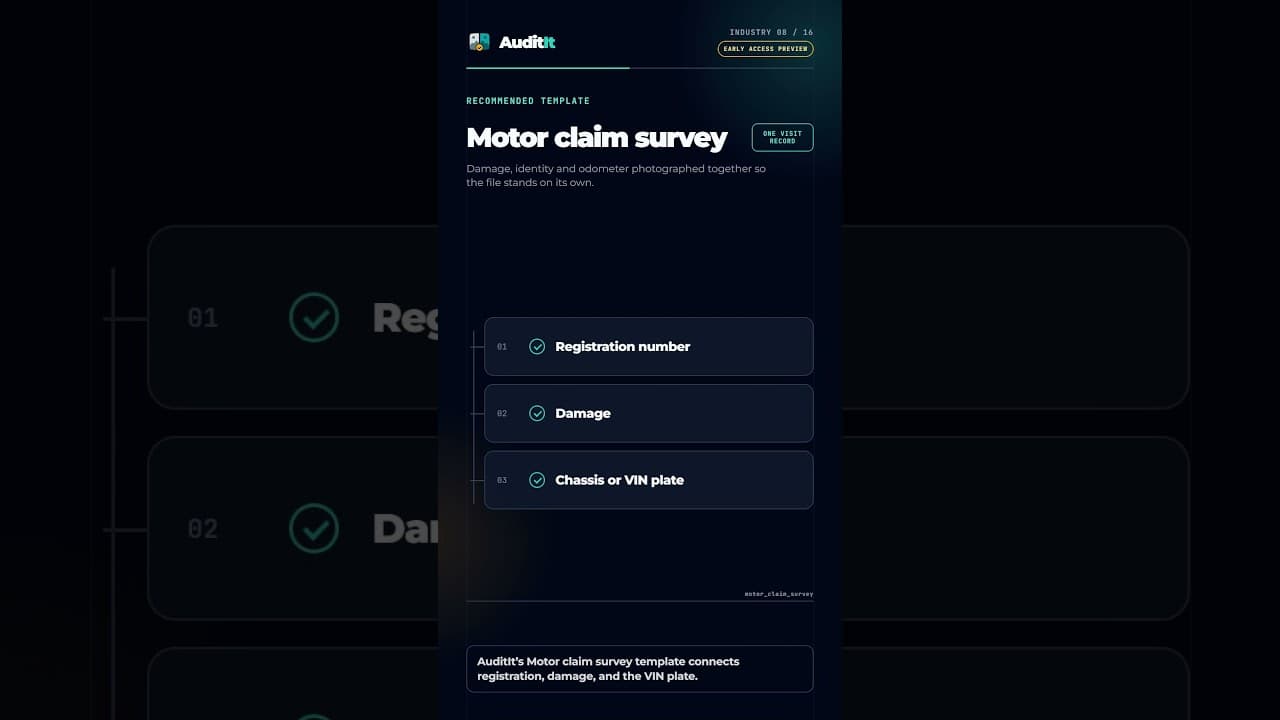
Organize motor claim field evidence with claim and vehicle identity, damage photos, VIN context, odometer, observations, and recommendations.
2 min read
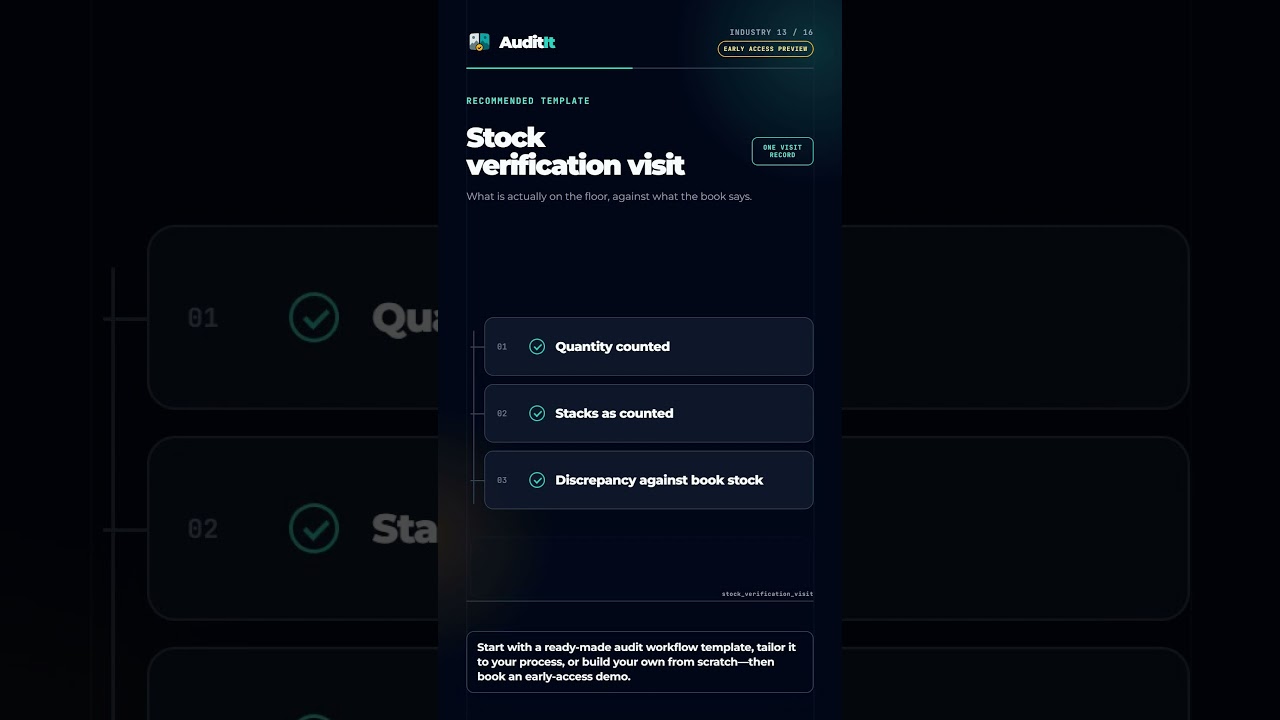
Connect warehouse identity, counted quantity, stack evidence, storage observations, and book-stock discrepancies in one visit record.
2 min read
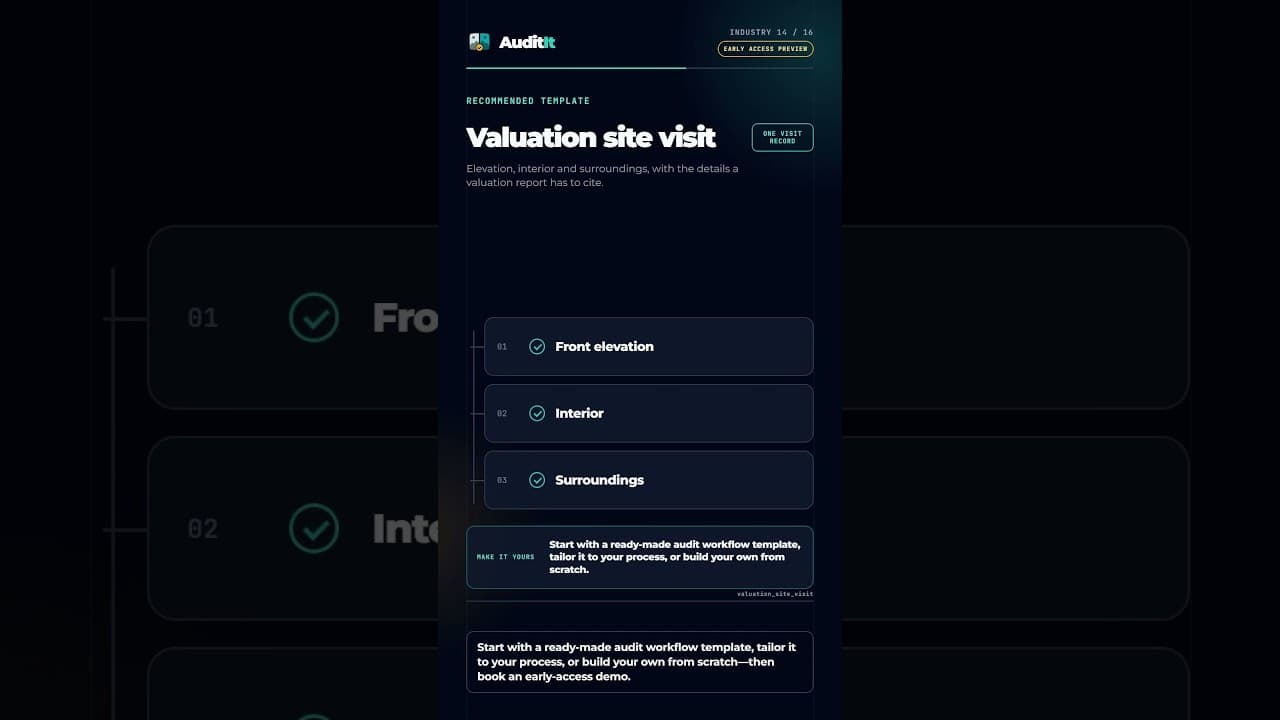
Organize property identity, front elevation, interior, surroundings, access, occupancy, construction observations, and notes from one visit.
2 min read